Showing posts with label lg. Show all posts

Sep 11, 2015

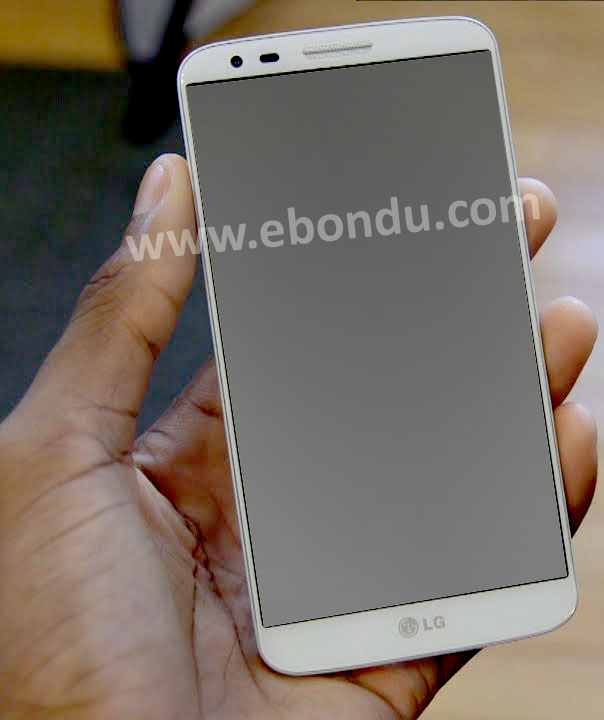
Lg g2 remove pattern lock hard reset Tutorial

How You Can Remove Your Lg g2 hard reset Pattern Lock

Lg G2 Smart Cell Phone Remove Pattern lock, Clear Google Account Few Step This post if you read you can learn how to Hard Reset LG g2. Hard Reset/Factory Reset Will Be Clear All Data You Should Back up Your All Data, contact, images, messages, and others information.
Remove sim card and Memory Card.
Lg G2 Smart Phone Remove Pattern lock, Clear Google Account Few Step   Hard Reset/Factory Reset Will Be Clear All Data You Should Back up Your All Data, contact,images, messages and others information.   Remove sim card and Memory Card.


Method 1 :

1. At First Power OFF Your Device. If Your Device Freezing mode Remove battery and insert it.
2. Keep Pressing Volume Down + Power Button To Turn On


Lg G2 Smart Phone Remove Pattern lock, Clear Google Account Few Step   Hard Reset/Factory Reset Will Be Clear All Data You Should Back up Your All Data, contact,images, messages and others information.   Remove sim card and Memory Card.


3. Release Only Power Button When Show LG Logo On Screen. Then quickly Press and Hold Power Button Again.
4. Release all Button When Show "Factory Hard Reset" On Screen.
5. Press Power key To Confirm. Hard Reset Will Be Start. wait few second.
Done.

Method 2 :


Backup Your All Data Remove Sim Card And Memory Card.
1. Go to The Menu  > 
2. Than Select System Settings >
3. Now Select General  > Scroll To Personal
4. Select Backup & Reset > 
5. Select Factory Data Reset >
6. Now Select Reset Phone >
7. Select Erase Everything
Done.
thank you for reading about Cell Phone LG g2 hard reset if you have any question please ask me.

Sep 9, 2015

LG gt540 hard reset

after Factory Reset Your Device will Be remove all installed app and games.clear your contact, message etc. at First You Should Backup your all important Data.

Turn On Your Device Press together Volume Up + Home + Search keys 5 second.
after Factory Reset Your Device will Be remove all installed app and games.clear your contact, message etc. at First You Should Backup your all important Data.  Turn On Your Device Press together Volume Up + Home + Search keys 5 second.   You Can try another code reset 3845#*540#


You Can try another code reset 3845#*540#

How To LG e460 hard reset Step By Step Easily remove Pattern Lock

This method working LG L5, LG E460, LG E455, LG E450
This method working LG L5, LG E460, LG E455, LG E450   Make Sure your device battery is Full  Remember All Data Will Be Lost. Backup Your All Data First than make hard reset.  1. Turn Off Your Device First. if device hang or freezing remove battery and insert ageing after few seconds.   2.  press and hold together Power key + Volume Key + quick button  3. when show logo on screen release all keys.  After few seconds device will restart. solve your problem.

Make Sure your device battery is Full


Remember All Data Will Be Lost. Backup Your All Data First than make hard reset.


1. Turn Off Your Device First. if device hang or freezing remove battery and insert ageing after few seconds. 


2.  press and hold together Power key + Volume Key + quick button


3. when show logo on screen release all keys.


After few seconds device will restart. solve your problem.

fiverr notification problem solution

  Step 1: Change Battery to "Unrestricted" By default, Android optimizes apps to save battery, which kills their background connec...